Last year, I organised my wedding and I really wanted a photobooth station. I had seen them at other weddings and I really wanted to have one as well: guests really have fun with them, and I liked the idea that the guests could print the photo, keep it as a memory of the day, or paste it in the guestbook.
My enthusiasm was dampened when I asked different providers: there was always some logistic problem, or you were asked to pay more than 500 euros for just 3 hours of use.
I thought that setting up a photobooth did not have to be that expensive, therefore I went down the rabbit hole of making my own photobooth.
I decided to use what I already had at home: an Olympus E-M10 III camera, a Samsung S6 2022 tablet, and an HP Sprocket photo printer.
I then searched for an Android photobooth app, and I was surprised to see that there were not many alternatives. None of these apps was actually working with my hardware.
While most photobooth apps support the main camera models connected via USB OTG, the Olympus camera I have does not have such functionalities. Also, Bluetooth printers are not supported at all because they require their own app to work.
These problems did not stop me from having my photobooth. Thus, the decision to make my own photobooth app: JustBooth.
The Olympus camera can connect via WiFi and can be controlled via the Olympus Image Share app. The communication protocol is not documented; however, with some help from open-source projects and AI, I managed to crack the protocol to achieve live preview, as well as control the shooting and flash.
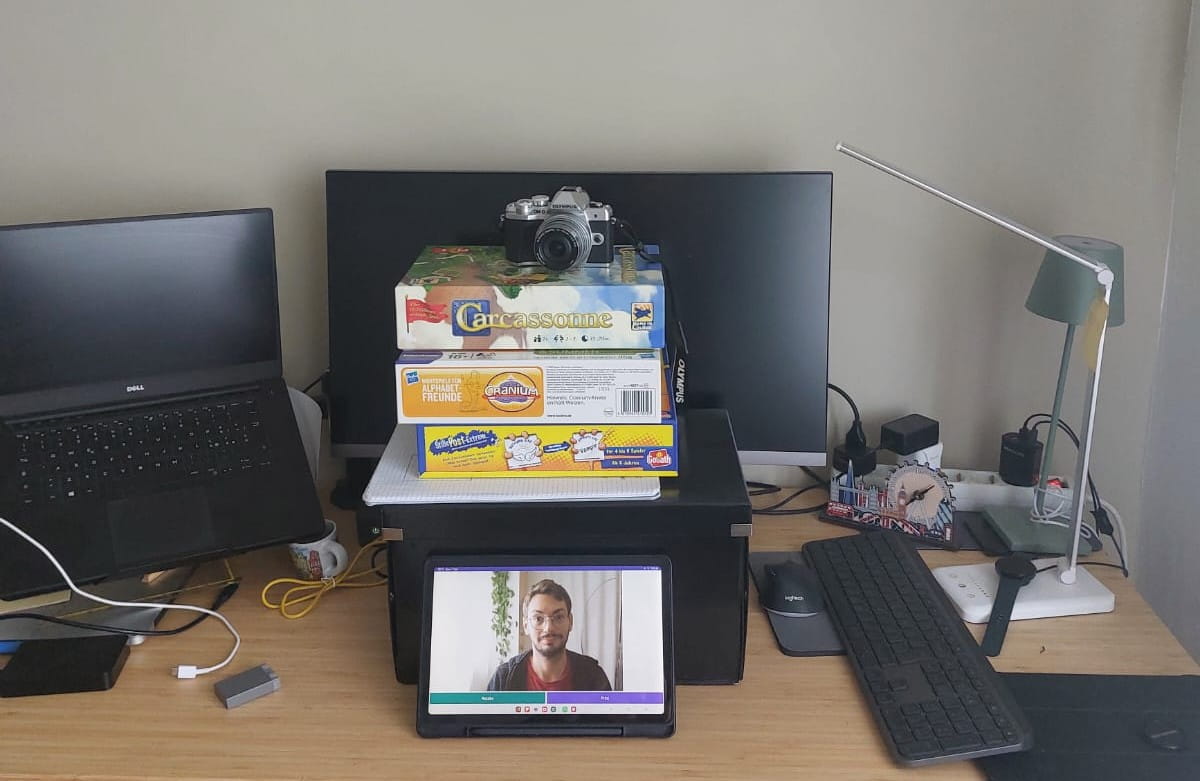
Me, prototyping the app
Having solved the problem with the camera, I needed to find a way to print via the Bluetooth printer and make it easy for the guest to use.
The HP Sprocket app accepts the shared photo and brings you directly to the printing dialog (like many other printing apps), but how to come back to the photobooth app in an easy way?
JustBooth is a photobooth app, but also an app launcher. This allows it to run in a Kiosk mode, where the apps the user can open are strictly under my control. When the user finishes printing the photo, clicking on the home button brings them right back to the photobooth.
Lastly, the wiring. I bought the tripod, a dummy battery for my Olympus camera, and a USB Rechargeable LED Light, and connected everything to a powerful USB charger.
With all the problems solved, the only remaining question was whether my guests would actually use it.
As it turned out, I had absolutely nothing to worry about! The guests absolutely loved it and used it during the entire event. It was a massive hit, and just lately, I shared all the high-resolution photos with them so they can relive those fun moments all over again.
I had so much fun with this useful project that I decided to spend some more time on it to make it available to everyone via the Google Play Store. If you land on this page and you want to try it out, I am looking forward to receiving your feedback!
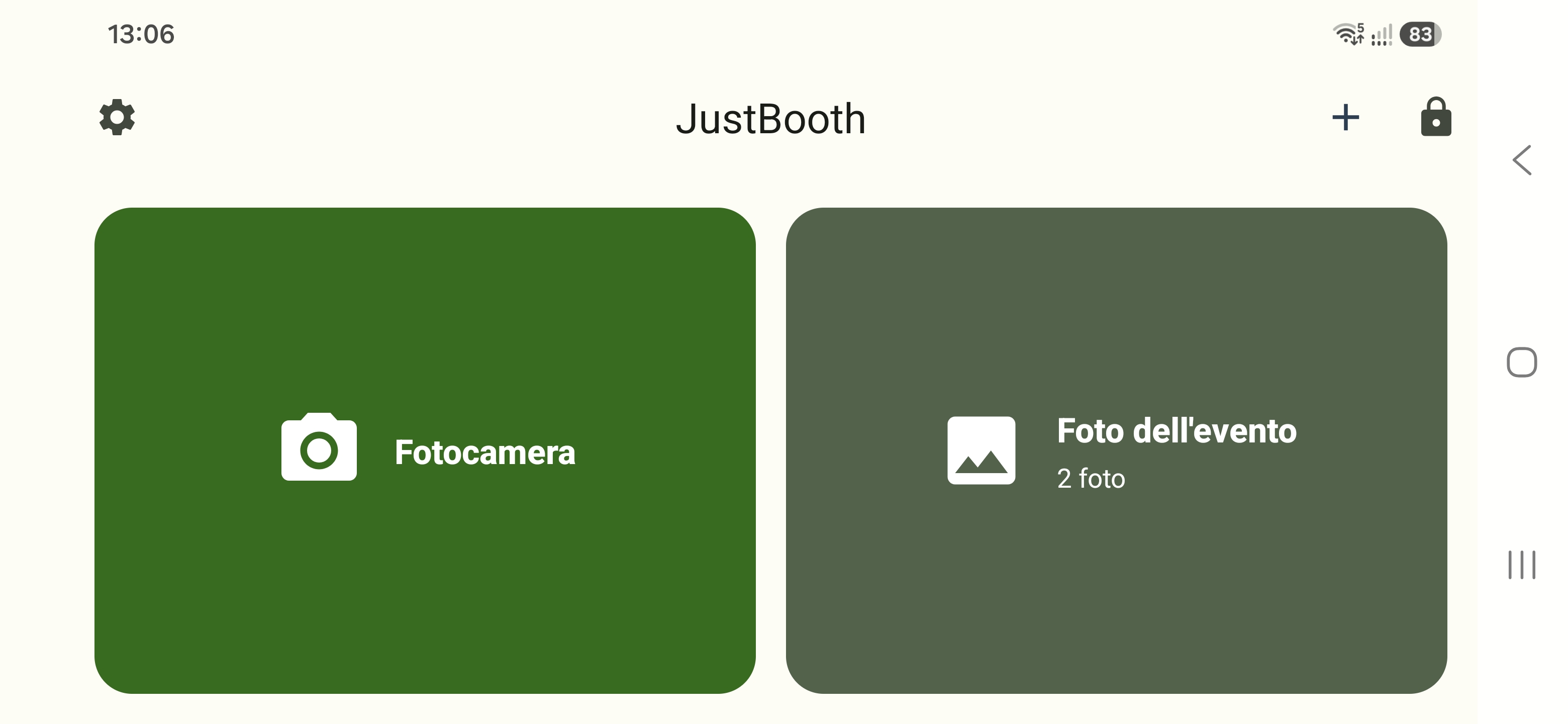
Localized Homepage
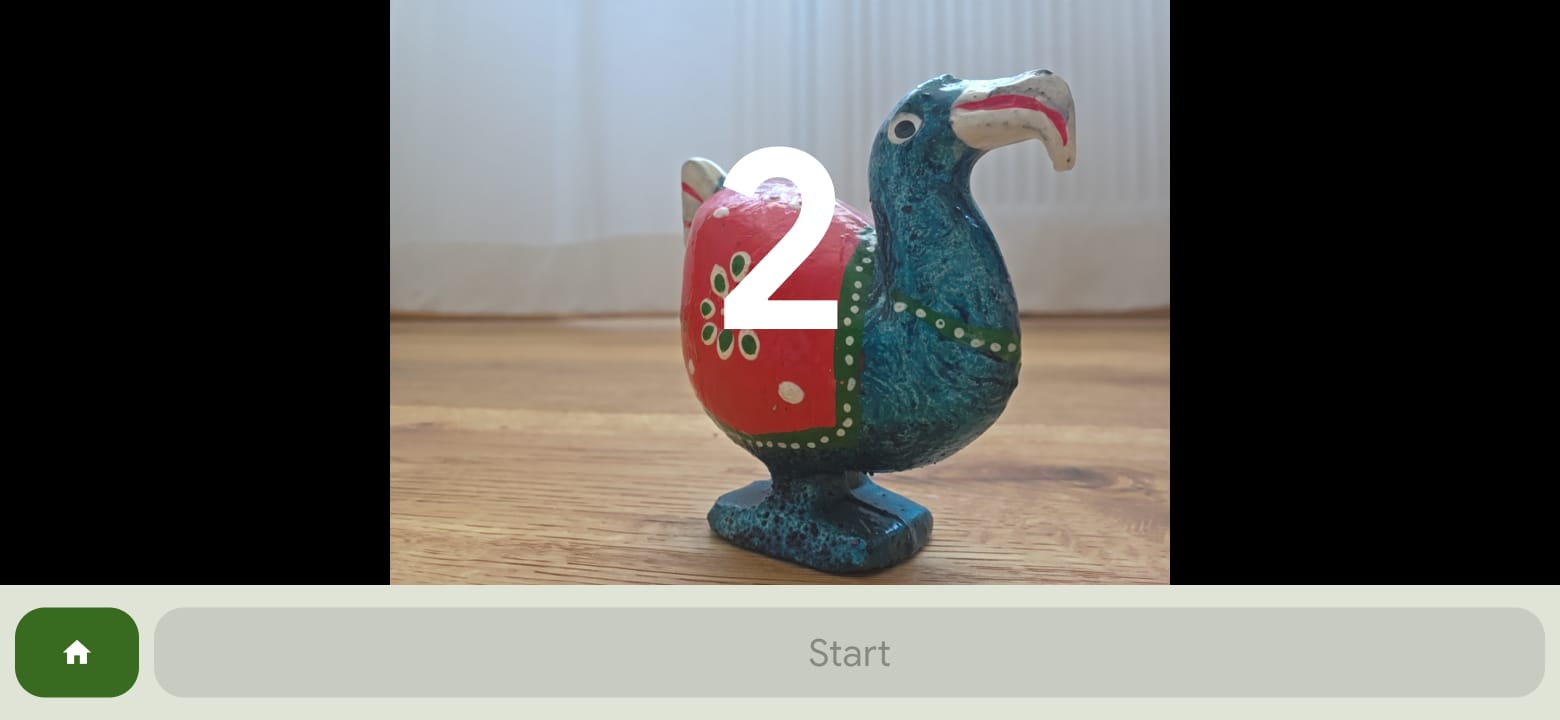
Countdown screen during a photo
Link to download JustBooth · Visit the JustBooth website